If the print lands slightly off on your cheque, nudge it into place with margins — no need to redesign the layout.
Adjust margins
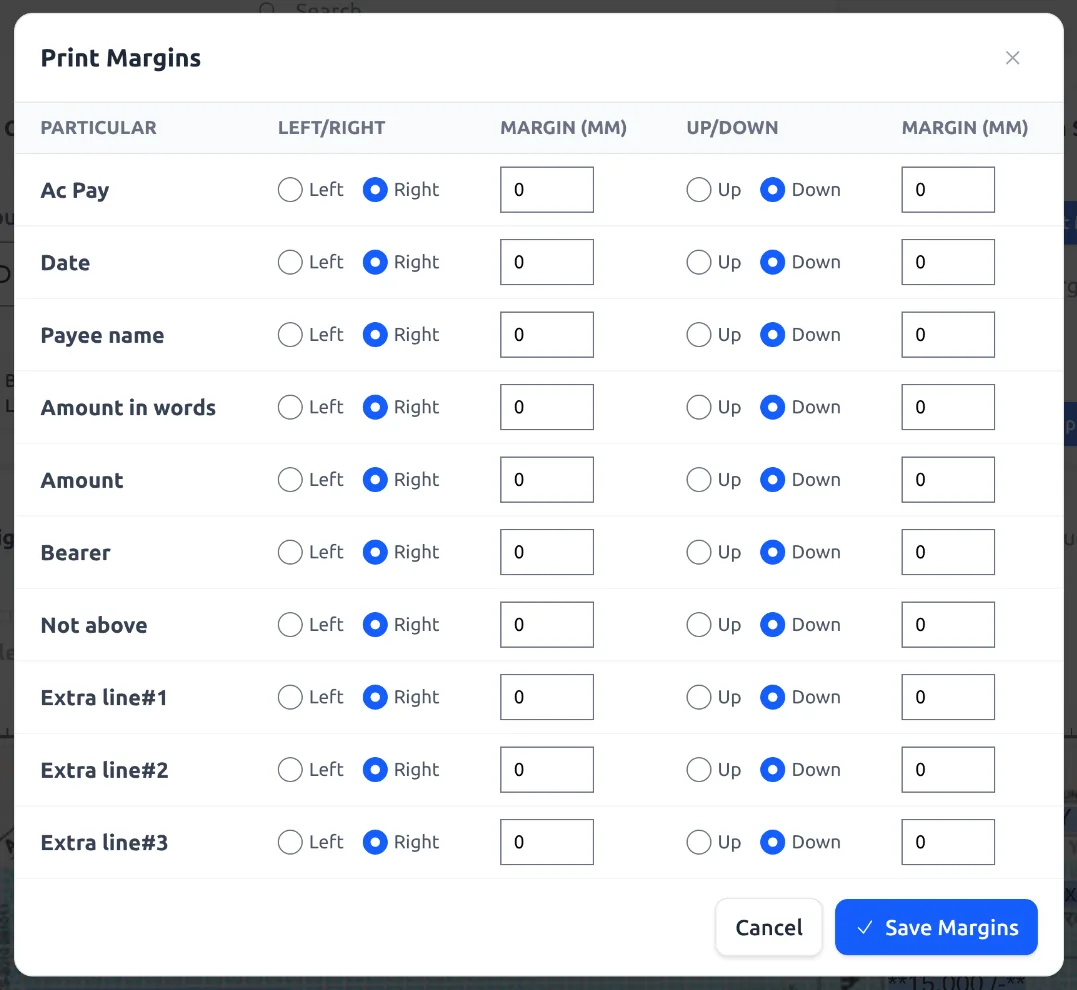
- Open Cheque Layouts → edit the layout → click Set Margins.
- For each field (Date, Payee name, Amount, Amount in words, etc.) set a direction (Left/Right and Up/Down) and a distance in millimetres.
- Click Save Margins, then use the Apply toggle to turn them on.
- Click Test Print to print a sample and check the alignment on a real cheque.
Tip: Save the layout and Apply the margins before Test Print. Adjust a millimetre or two at a time — small changes go a long way.
Still off? See Printer Setup Fully Explained.
See it in the app